 TopLikers
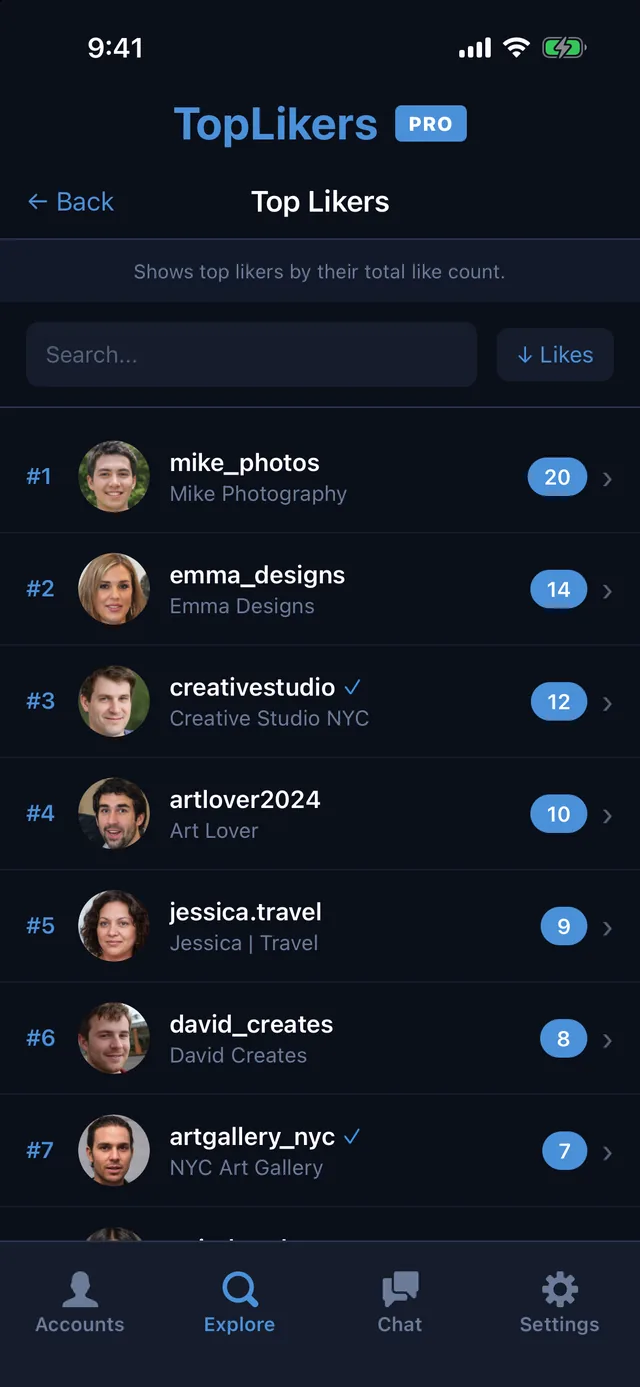
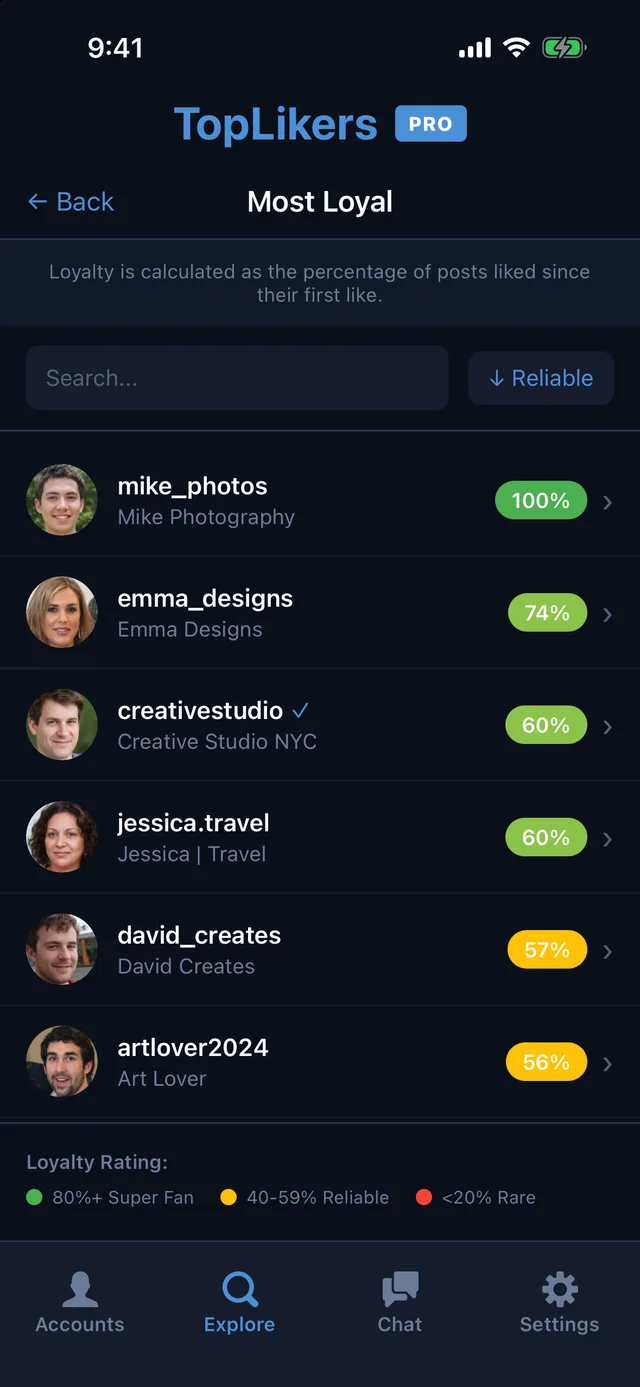
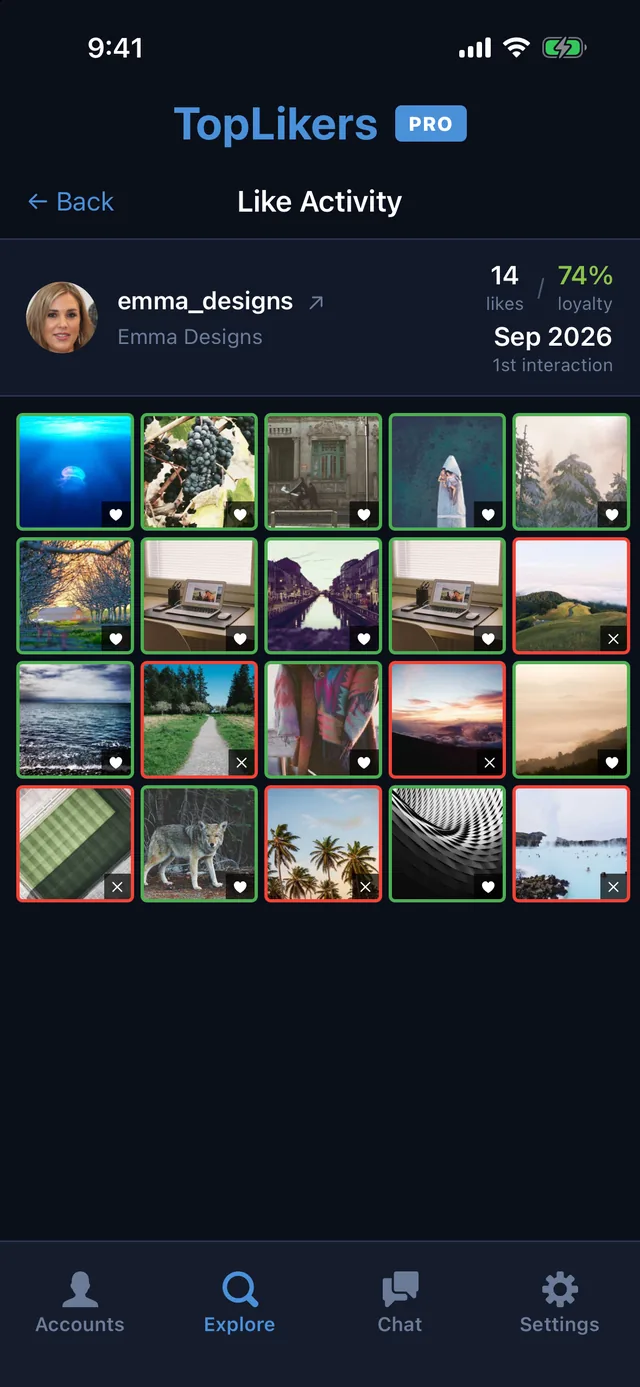
Instagram has two separate settings: one hides like counts on posts you see, and the other hides the count on your own posts. Menu names change between app versions, so yours may look slightly different.
Want this for someone else? See who liked anyone’s post on Instagram, including friends, partners, and private accounts you follow.
In this guide
Hide like counts on posts you see
- Go to your profile and tap the menu.
- Open Settings and privacy.
- Tap Like and share counts.
- Turn on Hide like and share counts.
Hide likes before you post
- Start a new post and get to the final screen.
- Open More options or Advanced settings.
- Turn on the option to hide like and view counts.
- Share the post.
Hide likes on a post you already shared
- Open the post.
- Tap the three dots.
- Tap Hide like count. Repeat and choose Unhide to undo it.
Can you see hidden likes on Instagram?
You can’t see the number on someone else’s post if they’ve hidden it. Often you can still tap through to the list of people who liked it, and add them up yourself. On your own posts, you always see the total.
Why you can’t see likes on Instagram
- The owner hid the count.
- You turned on Hide like and share counts yourself.
- The account is private and you don’t follow it.
- The app is out of date. Update it, or try instagram.com.
See who liked each picture, even with counts hidden
TopLikers works from the list of accounts, not the public number. Open See this user’s Top Likers to rank everyone who liked their posts. Here’s how to see who likes your posts the most.
Or just ask the chat
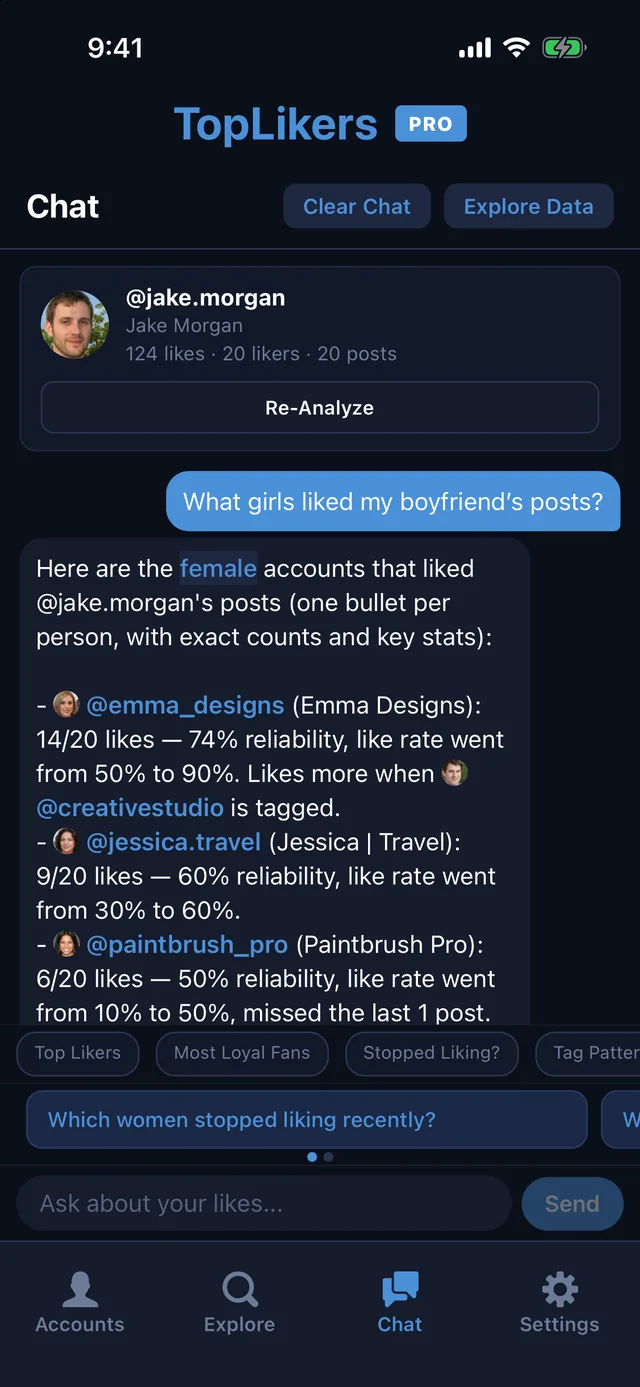
Hidden like count or not, the chat works from who liked each post. Ask what girls liked your boyfriend’s posts, or which guys liked your girlfriend’s. See everything the chat can do.
See who likes any profile the most
TopLikers ranks everyone who liked a profile’s posts and shows who’s most loyal. For iPhone.

See everything TopLikers can show you →
Frequently asked questions
Can people see my likes if I hide them?
They can’t see the number. You still can.
Does hiding likes hurt reach?
Instagram hasn’t said that it does.
Does hiding likes hide them on Reels too?
Instagram treats posts and Reels the same way here. Check the three-dot menu on the Reel.
Can I hide likes on all my posts at once?
There’s no single switch for old posts. You hide each one from its three-dot menu.