 TopLikers
Enter your followers and your average likes and comments per post. Everything is worked out right here on the page.
Want this for someone else? See who liked anyone’s post on Instagram, including friends, partners, and private accounts you follow.
In this guide
Calculate your engagement rate
The formula
Engagement rate = (likes + comments) ÷ followers × 100
For example, 250 likes and 12 comments on an account with 10,000 followers is 262 ÷ 10,000 × 100 = 2.62%. Use the average of your last 10 or so posts, so one viral post doesn’t skew it.
What is a good engagement rate on Instagram?
| Source | Figure | Measured as |
|---|---|---|
| Socialinsider | 0.48% average in 2025 | Likes and comments per post, by followers |
| Rival IQ | 0.30% all-industry median | Engagement by followers |
Those reports mostly cover brand accounts. Smaller and personal accounts usually score higher, so compare yourself against accounts of a similar size.
Followers vs. reach
Some tools divide by reach instead of followers, which gives a different number. Stick to one method when you compare accounts or track yourself over time.
Go beyond the percentage
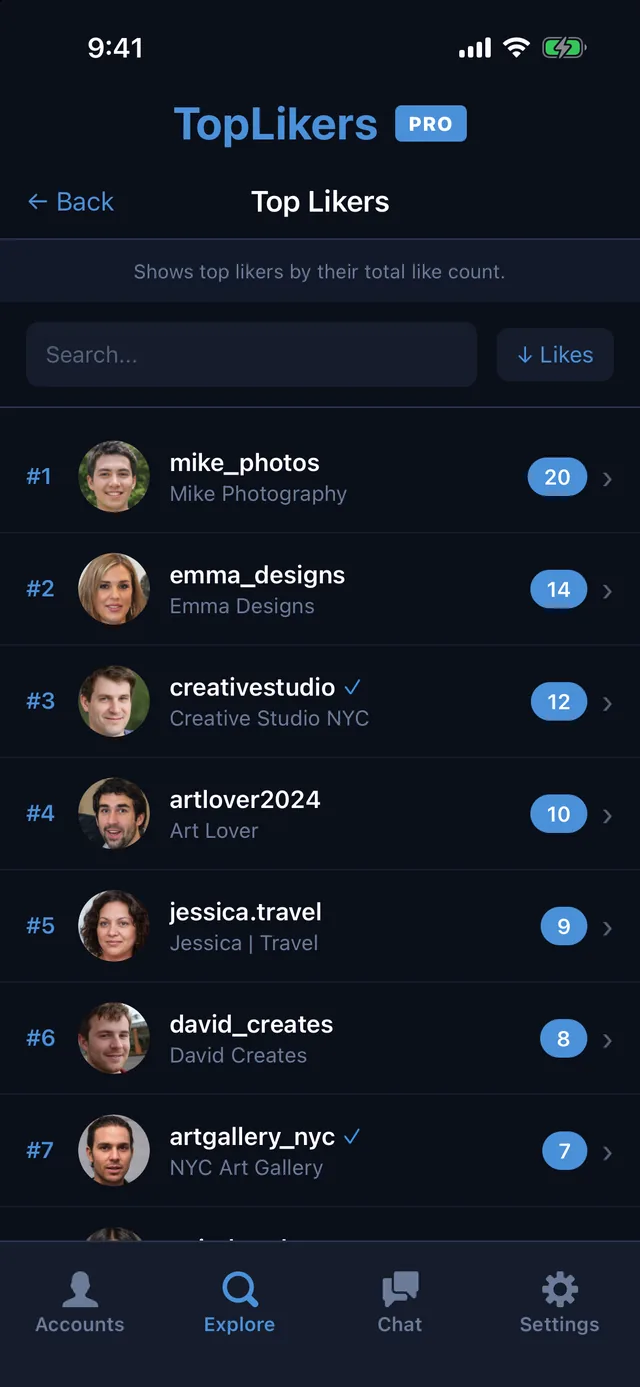
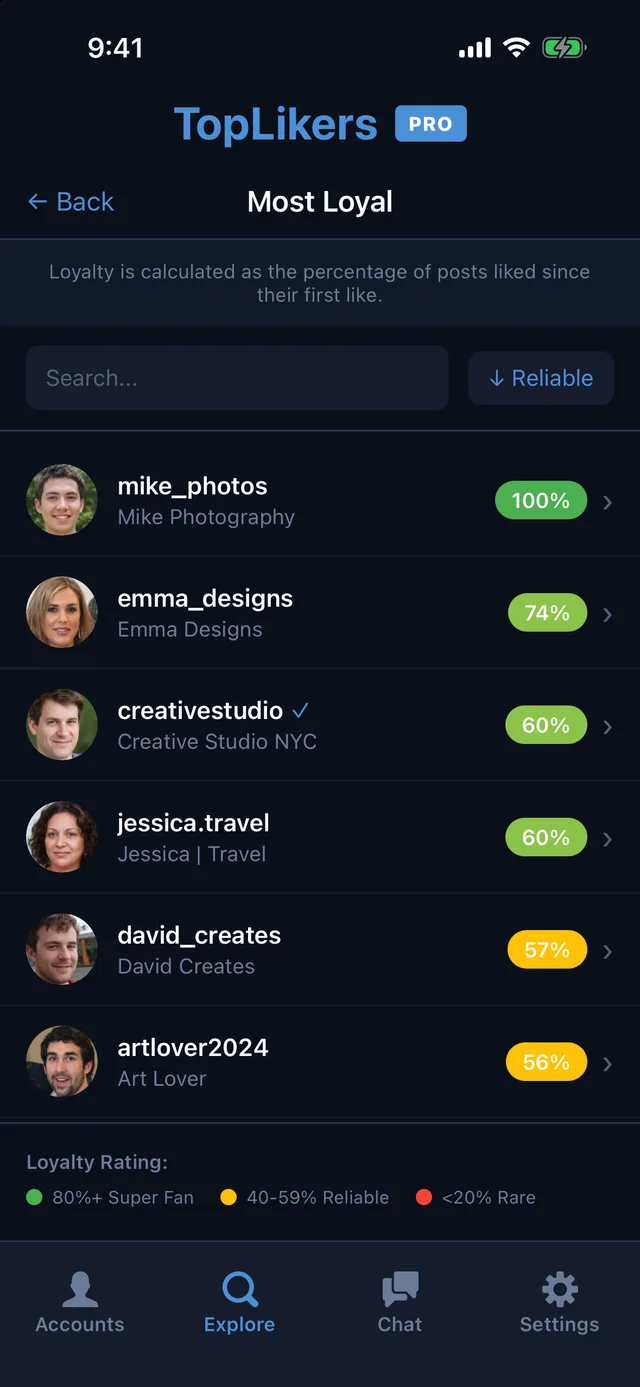
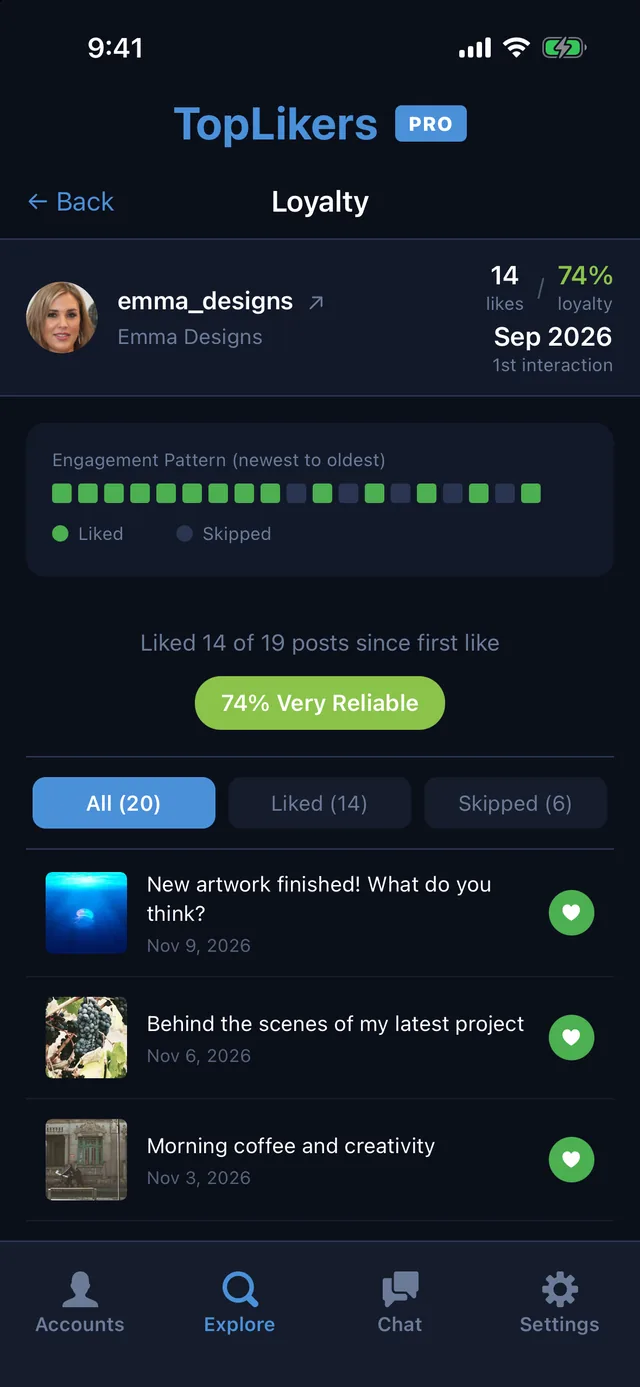
A rate tells you how much engagement you get, not who it comes from. TopLikers shows which people like the most, and who has been most consistent.
Or just ask the chat
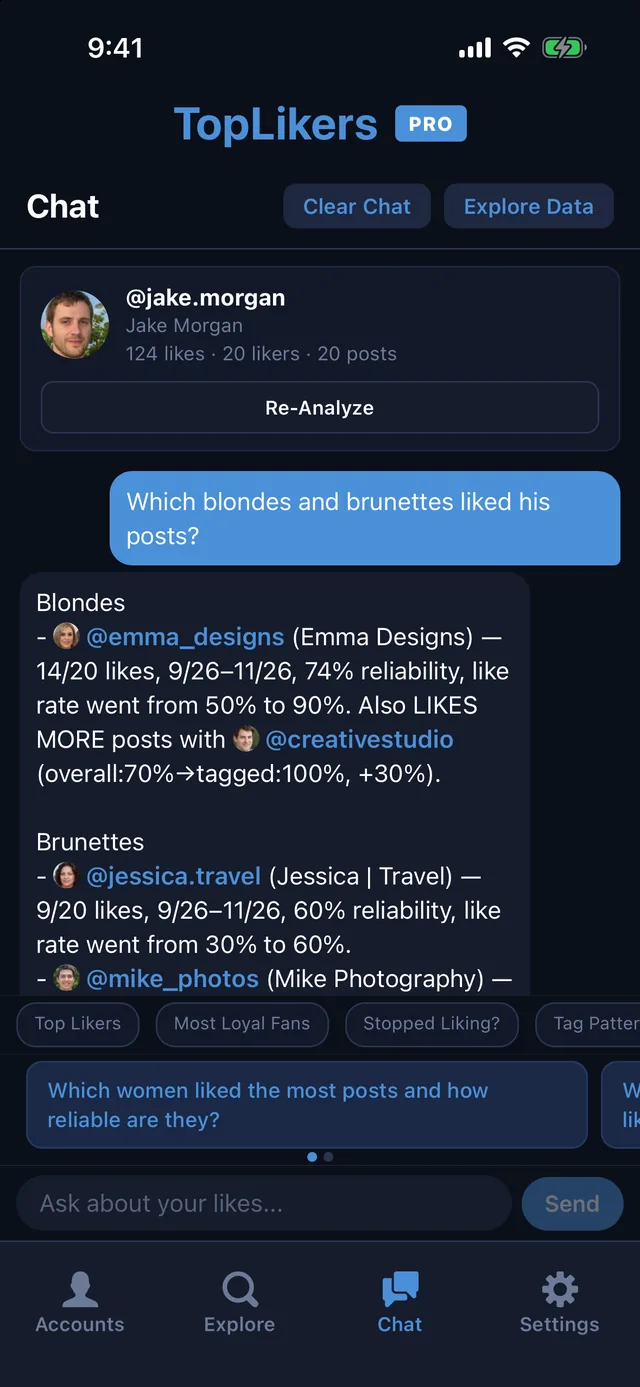
A percentage can’t tell you who’s engaging. The chat can. Ask who your most loyal fans are, or who dropped off recently. See everything the chat can do.
See who likes any profile the most
TopLikers ranks everyone who liked a profile’s posts and shows who’s most loyal. For iPhone.

See everything TopLikers can show you →
Frequently asked questions
How do you calculate engagement rate on Instagram?
Add likes and comments, divide by followers, and multiply by 100.
Do saves and shares count?
Instagram shows saves and shares only to the account owner, so public calculators use likes and comments. If it’s your account, you can add them from Insights.
Can I check someone else’s engagement rate?
Yes. Likes, comments, and follower counts are public unless they’re hidden.